
Request an Internet service change
Introduction
An internet service change can be requested online from the portal.
- Log into the portal at https://splynx.interworks.in/
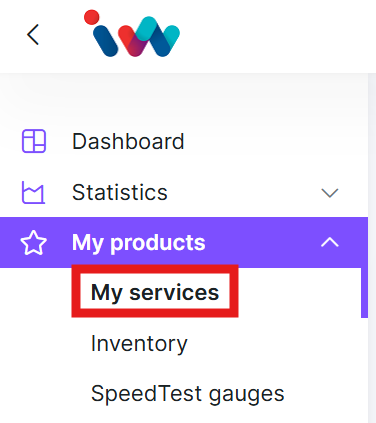
BrowseClick on the arrow on the top left corner of the page to expand the menu, then browse toServicesMy products ->ServicesMy services.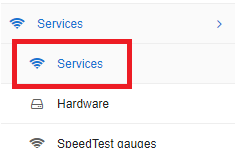
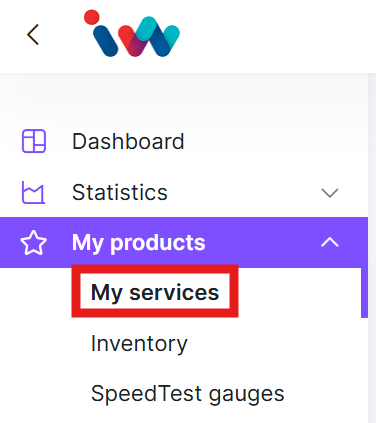
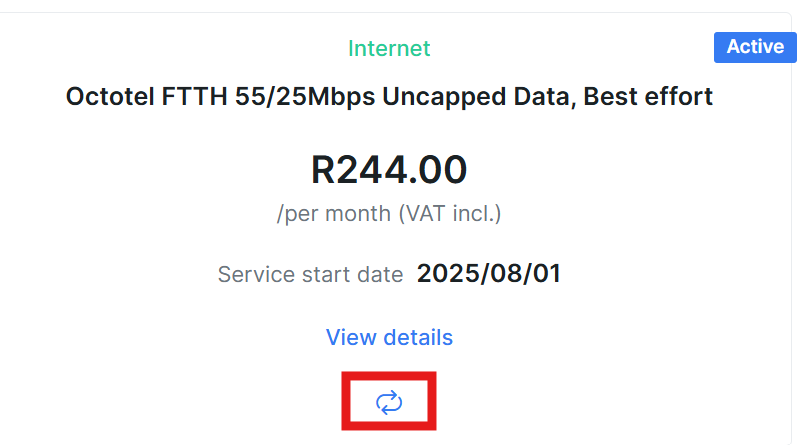
- Find the applicable service.
UnderActions, clickClick on the Change Plan icon
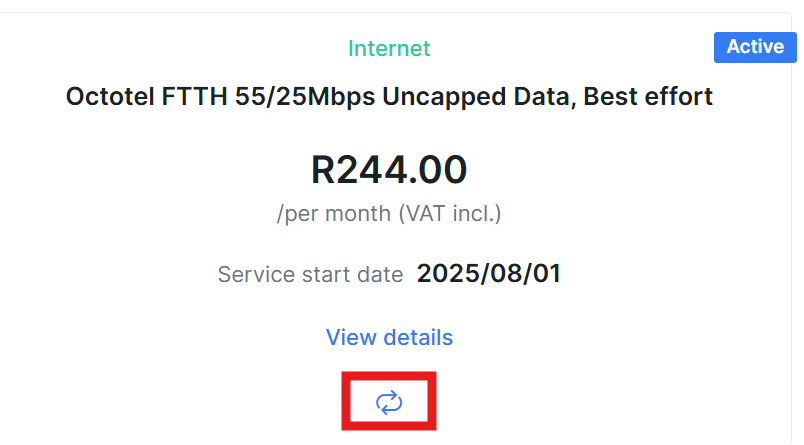
- On the
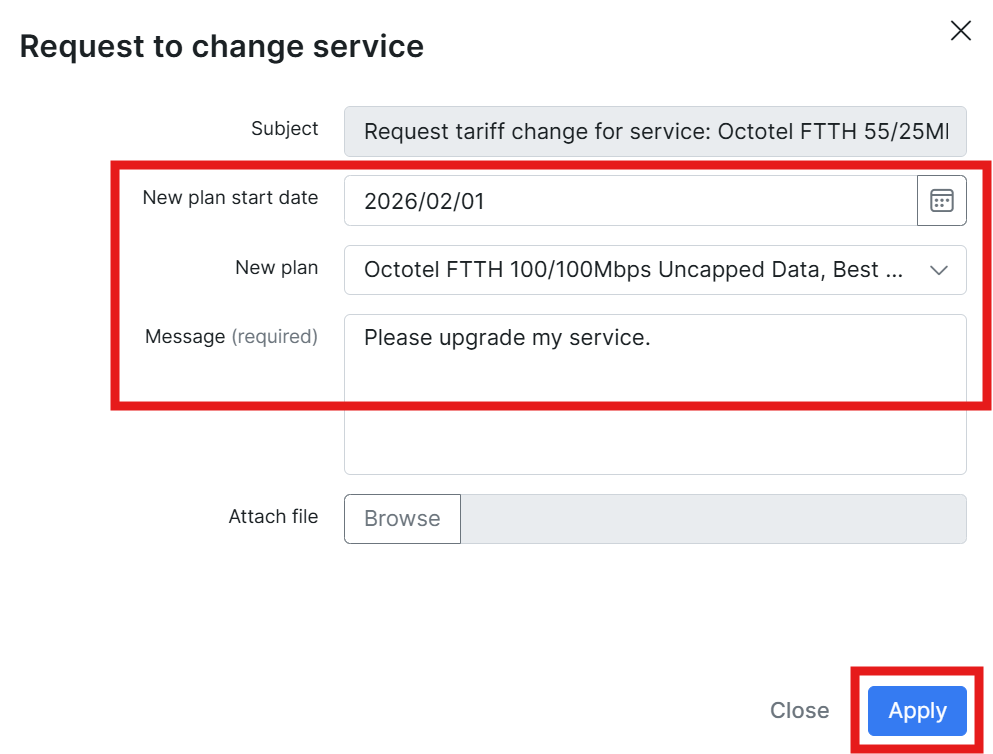
ChangeRequesttariffto change service window, select the start date for the new service, as well as the new plan. Abriefmessagedescriptionisandrequiredpricetofor the new plan will be displayedproceed.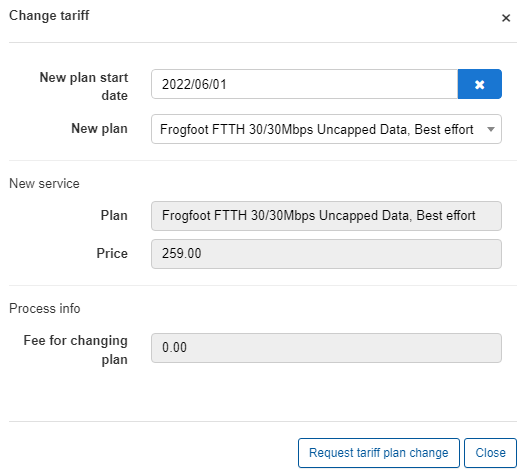
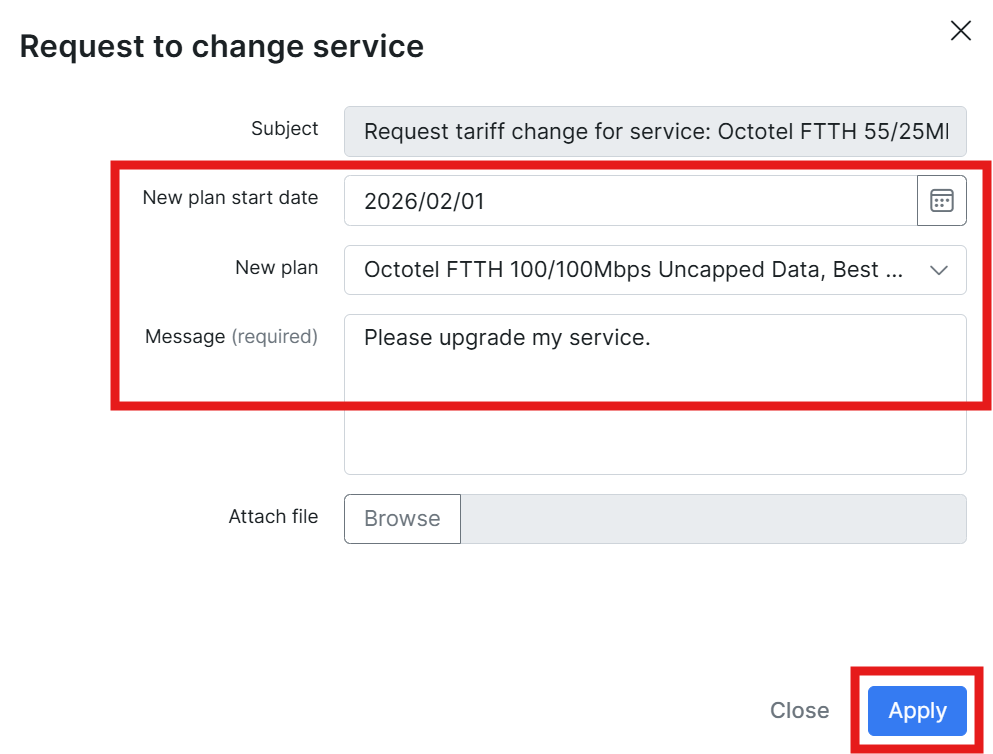
- Click on
RequestApplytariff plan change
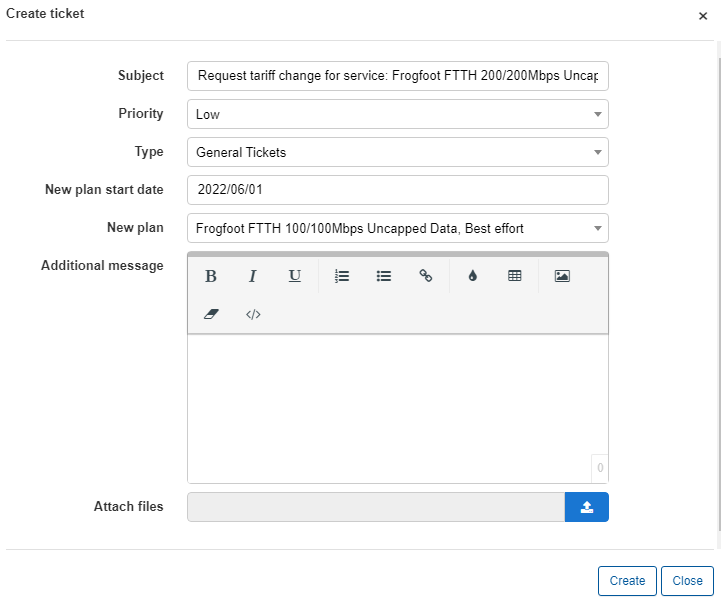
IMPORTANT: Note that with most of our internet services, we separate the Line Rental and Data packages into two separate items. Were applicable, ensure that you request a service change for both the Line Rental and the Data service.
Ex: To upgrade a Frogfoot FTTH 50/50Mbps line to a Frogfoot FTTH 100/100Mbps line, ensure that you request an upgrade for the Internet Service called "Frogfoot FTTH50/50Mbps" as well as the service called "Frogfoot FTTH 50/50Mbps Line Rental"
Notes
- Downgrades can only be processed on the 1st of a month
- Downgrade requests must reach us at least 7 days before month end
- Upgrade requests can be processed at any time during the month. Note that it can still take a couple of days for an upgrade to be processed, especially when we have to liaise with external parties like a Fibre Network Operators (ex Vumatel, Octotel etc)